D1 Databases
Querying databases, inspecting tables, and managing data through the dashboard
Overview
The D1 section of the Cloudflare dashboard provides a console for database operations, allowing you to run queries, inspect table structures, view data, and monitor database performance without deploying code changes.
This is particularly useful for debugging production data issues, verifying migrations, running one-off queries, or exploring your database structure.
Accessing your databases
From the Cloudflare dashboard, navigate to D1 in the left sidebar.
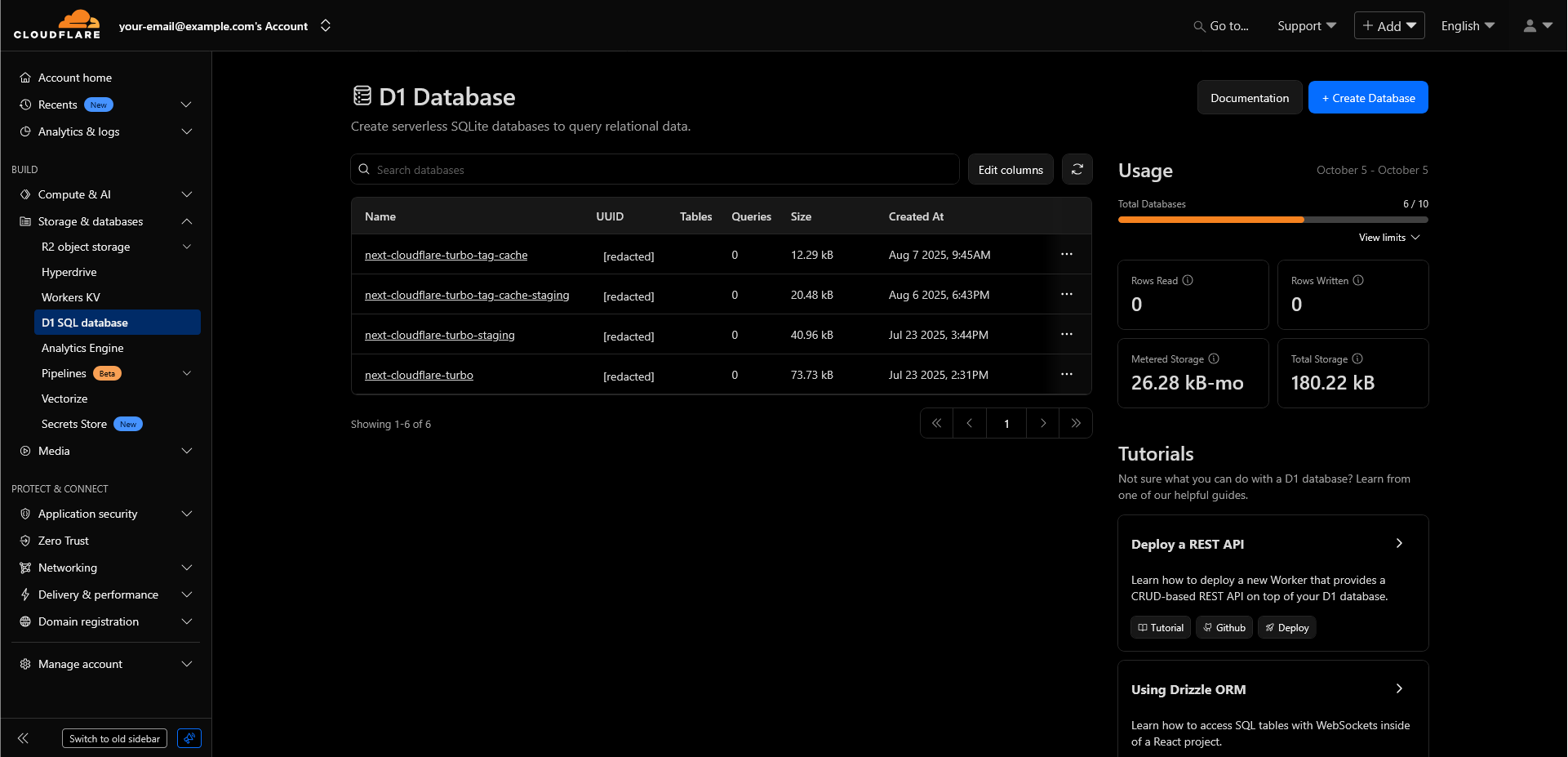
You'll see a list of all your D1 databases. For Next-Cloudflare-Turbo, you should see:
next-cloudflare-turbo(production)next-cloudflare-turbo-staging(if configured)next-cloudflare-turbo-tag(production cache, if using advanced caching)next-cloudflare-turbo-tag-cache-staging(staging cache, if using advanced caching)
Click on any database to access its console and management features.
Database overview page
Once you've selected a database, you'll see several tabs for managing and inspecting your data.
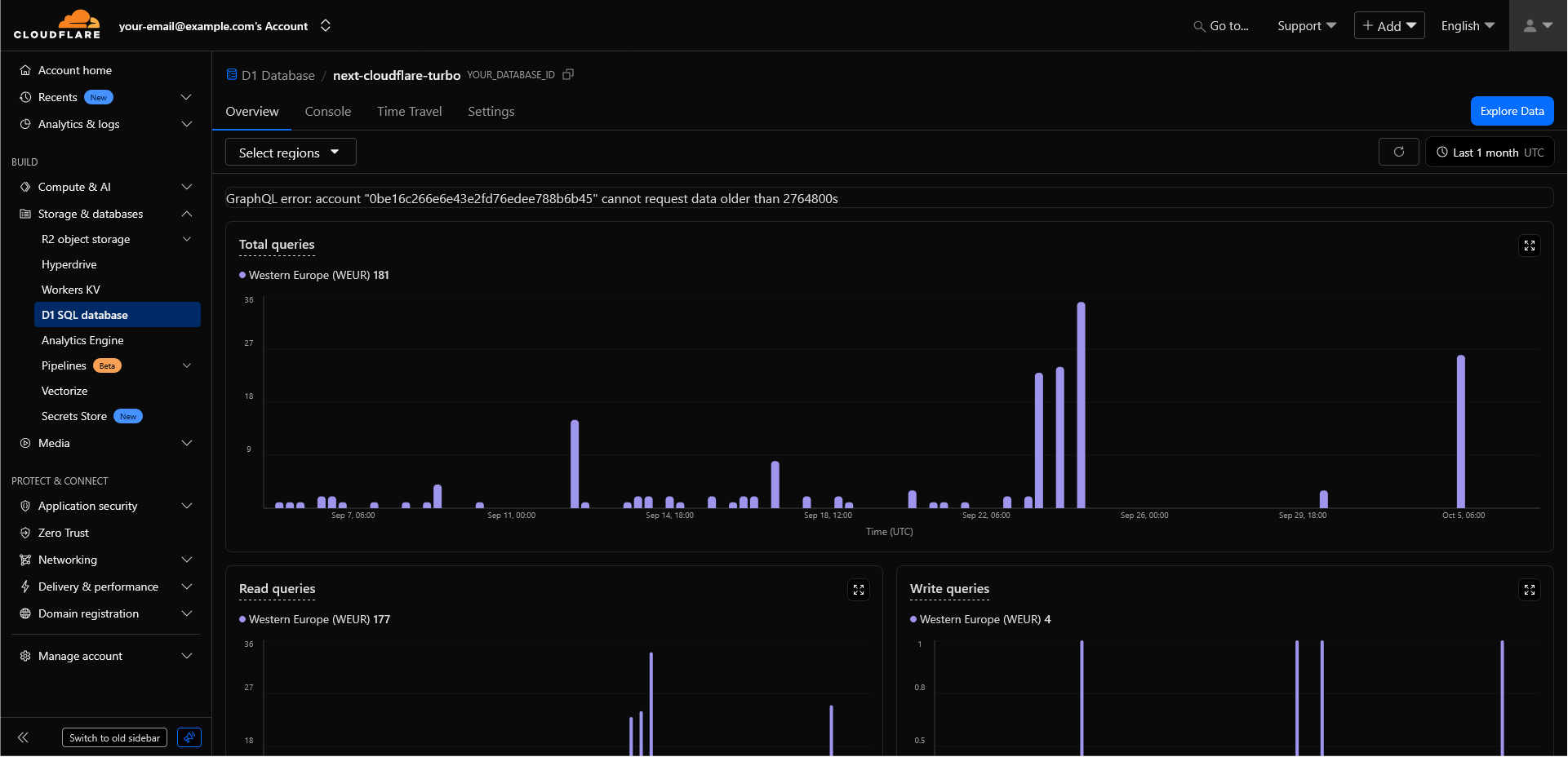
Console
The Console tab provides a SQL query interface for running queries directly against your database.
Running a query:
Type your SQL query in the editor and click "Execute" or press Ctrl+Enter. The results appear below the query editor in a formatted table. You can:
- Click column headers to sort
- Copy individual cell values
- Export the entire result set
The console runs queries against your live production database. Be careful with UPDATE, DELETE, or DROP statements.
Explore data
The Explore Data button opens the D1 Studio tab, providing a visual interface for browsing your database structure and data.
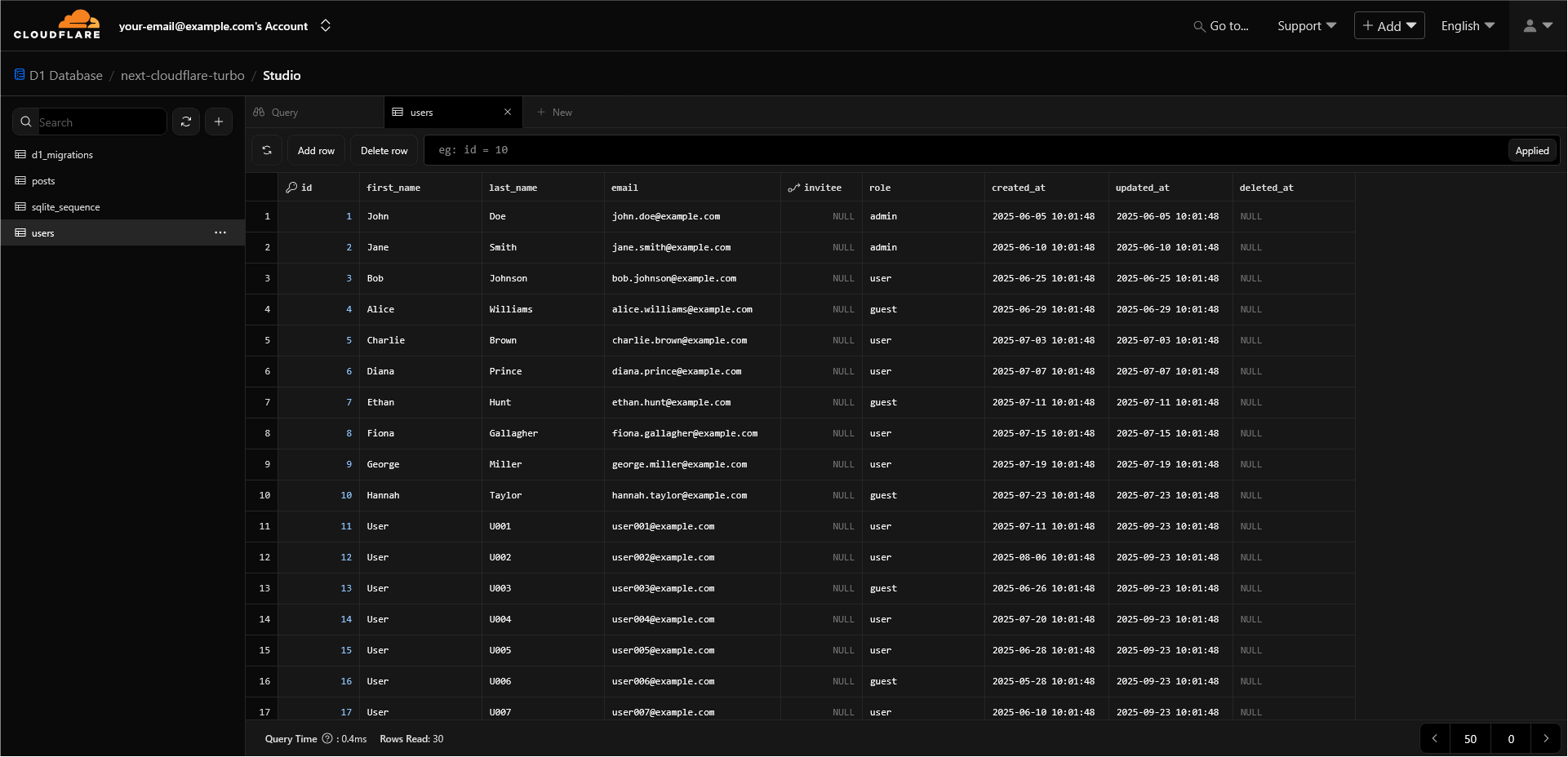
Time Travel
Time Travel allows you to restore your database to any point in time within the last 7 days.
Settings
Configure read replication and manage database deletion.
Deleting a database is permanent and cannot be undone. Ensure you have backups before deleting production databases.
FAQ
How is this guide?
Last updated on