Account Settings
Managing API tokens, billing, and account-level configuration
Overview
Account settings apply across your entire Cloudflare account rather than individual Workers or databases. This section covers the essential account-level configurations you'll need for managing your Next-Cloudflare-Turbo project.
Most day-to-day work happens at the Worker or resource level, but understanding account settings is important for API token management, billing, and team collaboration.
Accessing account settings
Access your profile page by clicking your profile icon in the top-right corner of the Cloudflare dashboard, then select Profile.
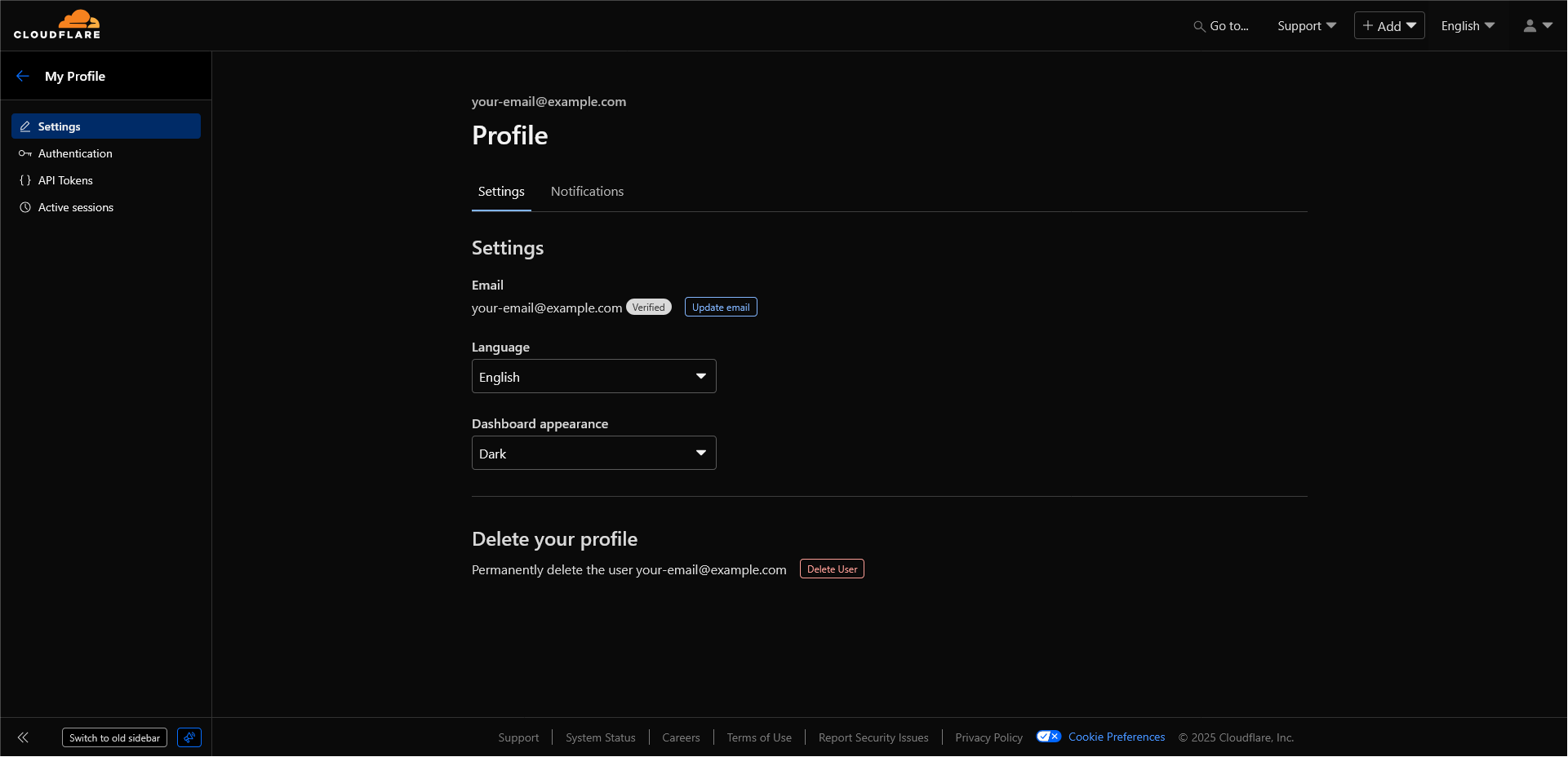
API tokens
API tokens allow programmatic access to Cloudflare services. These are essential if you are configuring CI/CD pipelines. There are two types of tokens available in Cloudflare:
-
User tokens. Directly scoped to a specific user.
- Example 1: A developer using
wrangler loginfor local development gets a user token tied to their account - Example 2: Individual developer tokens for personal projects or testing environments
- Example 1: A developer using
-
Account tokens. Scoped to specific services. Useful for preventing service interruptions if an employee leaves an organisation.
- Example 1: CI/CD pipeline token for automated production deployments that persists even when team members change
- Example 2: Service account tokens for third-party integrations or monitoring tools that need ongoing access
Token permissions
Tokens can have different permission levels:
Account-level permissions:
- Workers (read/edit)
- D1 (read/edit)
- R2 (read/edit)
- Account Analytics (read)
Zone-level permissions:
- DNS (read/edit)
- Workers Routes (read/edit)
Use the principle of least privilege - grant only the permissions necessary for the token's intended purpose.
FAQ
How is this guide?
Last updated on